Understanding Workflow Logs
What Logs Show
Workflow logs display the history of workflow executions.
They provide visibility into:
• Triggers activated
• Actions performed
• Execution timestamps
How to Read Logs
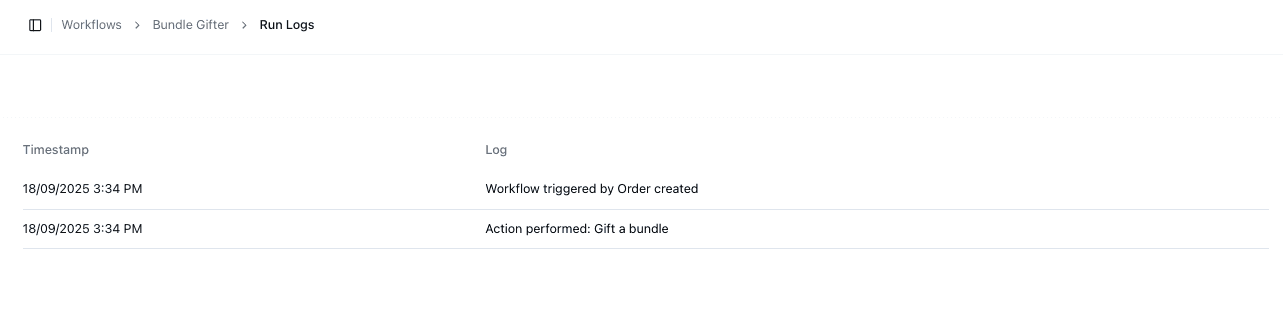
Each log entry includes:
• Timestamp
• Description of action
Example:
• Workflow triggered by order created
• Action performed: Add insert
Common Log Entries
You may see entries such as:
• Workflow triggered
• Action completed
• Errors or failures
Important Notes
• Logs are essential for debugging workflows
• Missing logs may indicate the workflow did not trigger
• Always review logs when testing workflows
• Logs provide a full history of workflow activity
FAQs
Why didn’t my workflow run?
Check logs to confirm if the trigger was activated
Can logs show errors?
Yes — logs may include failure messages