Invoices Page Overview
What is the Invoices page?
The Invoices page shows all invoices in a structured list.
From this page, you can:
• View invoice history
• Check totals and VAT
• Open invoices
• Download transactions
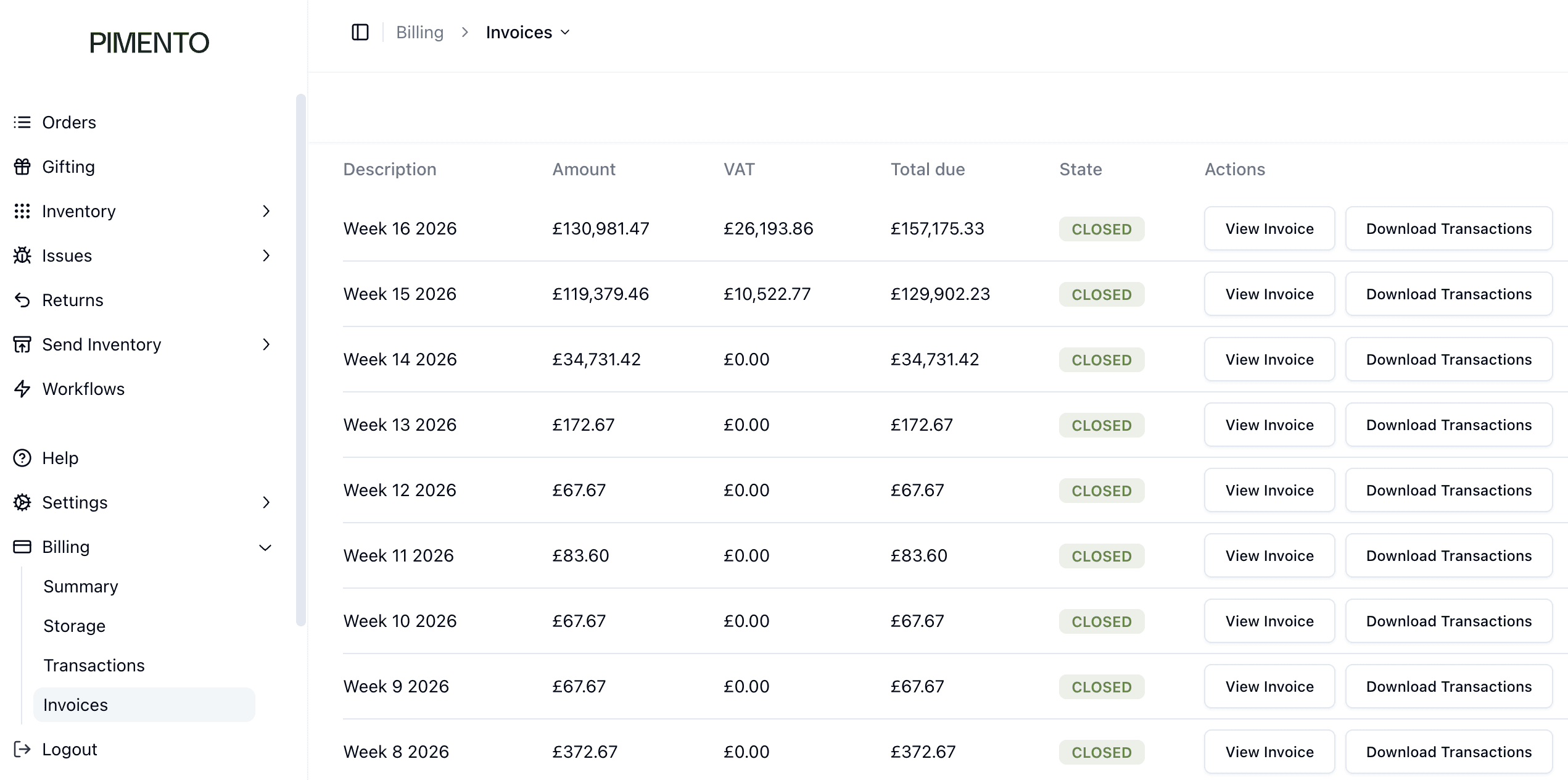
Understanding the invoice list
Columns include:
• Description
• Amount
• VAT
• Total due
• Actions
Description
Shows the billing period (e.g. weekly invoices).
Amount
Shows the value before VAT.
VAT
Shows the VAT applied.
Total due
Shows the full amount payable.
Actions
From here you can:
• View Invoice
• Download Transactions
FAQs
What is the difference between View Invoice and Download Transactions?
View Invoice shows the document. Download Transactions shows the raw data.
Does this show VAT separately?
Yes — VAT is clearly broken out.