How to Create a Workflow
Creating a Workflow
To create a workflow:
• Navigate to Workflows → Create Workflow
You will enter the workflow builder environment
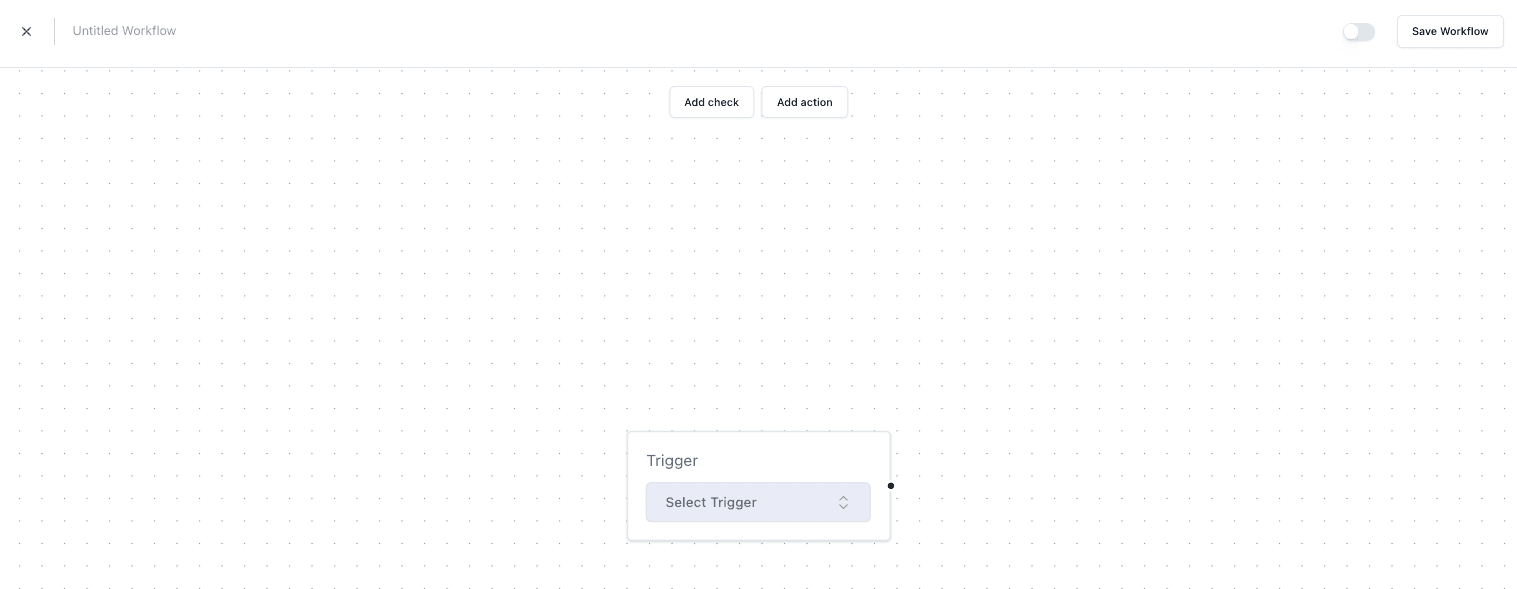
Adding a Trigger
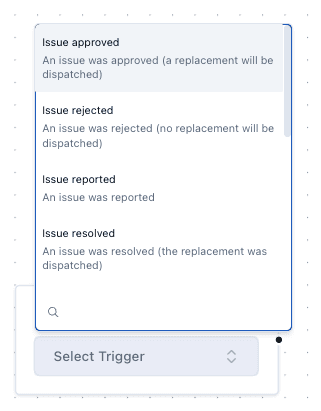
Start by selecting a trigger:
• Example: Order Created
This defines when the workflow starts
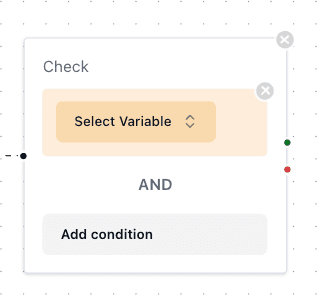
Adding Checks
Checks define conditions that must be met
Example:
• Country = United Kingdom
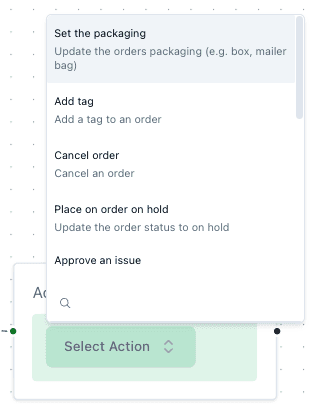
Adding Actions
Actions define what happens when conditions are met.
Examples include:
• Add an insert
• Send a message
• Update packaging
Important Notes
• Workflows must include at least one trigger
• Checks are optional but recommended
• Actions determine the outcome of the workflow
• Incorrect logic may cause unintended automation
FAQs
Can I create a workflow without checks?
Yes — but it will apply to all triggered events
Can I have multiple actions?
Yes — workflows can include multiple actions